Post by Markoz on Sep 10th, 2012 at 4:18am
Caribflyer wrote on Sep 9th, 2012 at 11:37am:
| still doesn't work. I don't see a model folder for the winglets model so I guess that wasn't installed....tried to do a repair installation and that didn't work either.. |
Which one do you want to put the Winglets on?
I added them to the 727-100F DHL:
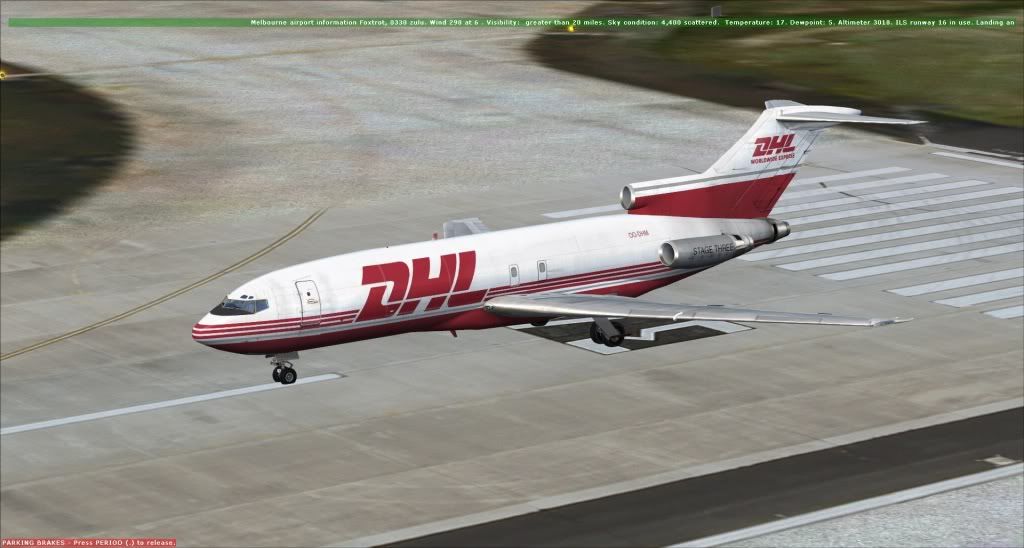
Without winglets
[fltsim.0]
title=CS 727-100F Captain Paint0
sim=cs727100
model=f
panel=
sound=
texture=dhl
kb_checklists=
kb_reference=
atc_id=OO-DHM
atc_airline=DHL
atc_flight_number=0001
ui_manufacturer=Boeing
ui_type=727-100 Freighter
ui_variation=DHL
ui_typerole=Commercial Airliner
ui_createdby=Captain Sim
visual_damage=1
ui_wglts=0
description="727 Captain (727-100 Freighter Expansion Model) v2.3\n(c) 2009 Captain Sim www.captainsim.com"
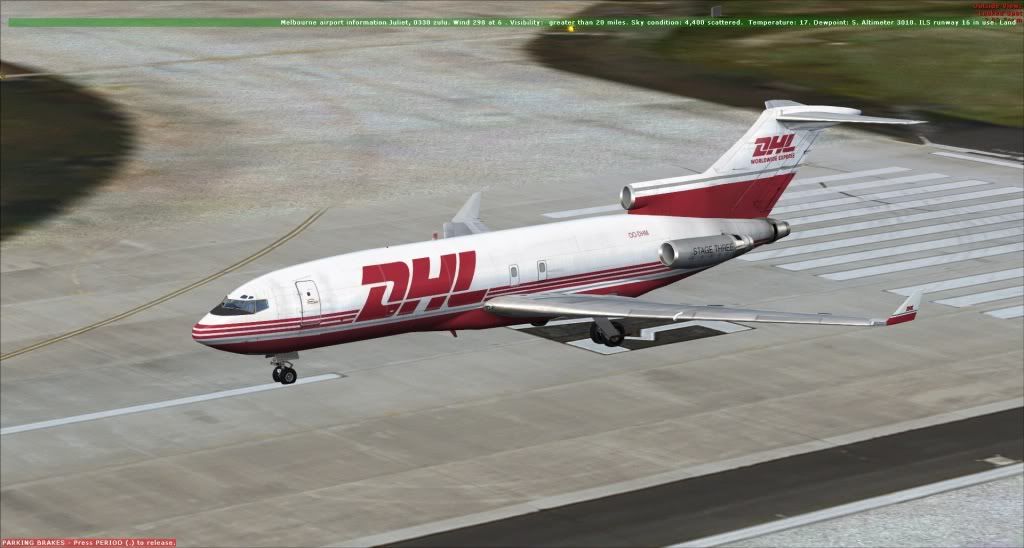
With winglets
[fltsim.0]
title=CS 727-100F Captain Paint0
sim=cs727100
model=f
panel=
sound=
texture=dhl
kb_checklists=
kb_reference=
atc_id=OO-DHM
atc_airline=DHL
atc_flight_number=0001
ui_manufacturer=Boeing
ui_type=727-100 another company Freighter
ui_variation=DHL
ui_typerole=Commercial Airliner
ui_createdby=Captain Sim
visual_damage=1
ui_wglts=1
description="727 Captain (727-100 Freighter Expansion Model) v2.3\n(c) 2009 Captain Sim www.captainsim.com"
The differences in the aircraft.cfg are in bold text. So it is working for me.
If you check the aircraft.cfg, you might need to add wiglts=0 (to those that don't have winglets) so that the ACE can add them to it. ACE seemed not to want to make the changes at first, but it is working fine for me now (as the images show).