CAPTAIN SIM FORUM
707 Captain >> 707 Captain >> Alpha channel on paint kit?
https://www.captainsim.org/forum/csf.pl?num=1296599828

Message started by Michael2 on Feb 1st, 2011 at 10:37pm

Title: Alpha channel on paint kit?
Post by Michael2 on Feb 1st, 2011 at 10:37pm
I have been trying my hand at painting on both the 707 and 727.  I note that paint kits don't have alpha channels included in the textures.  Do I need to add one for a good quality paint? My understanding is that an alpha layer will control glossiness or reflections and that the separate specular texture only affects only the nature of the specular reflections.  Is that right? There are some bits of my textures that should be matt and some bare metal parts that I want to be more reflective than the painted parts.

Title: Re: Alpha channel on paint kit?
Post by nath2889 on Feb 1st, 2011 at 11:58pm
you have to make them up for your repaints white for non reflective parts and grey for the parts you want to have the gloss look on
the darker the gray the more it shines

but word of advise start with the lighter grays first and see what you like and don't go over 50% gray it looks nasty

also when you get more time spec and spec_alphas can help with some good effects but only if the aircraft you are painting uses them

there is a lot of trial and error in making the alpha just right when you first start painting stick at it have fun and if you get stuck some one here will help out

Title: Re: Alpha channel on paint kit?
Post by nath2889 on Feb 2nd, 2011 at 12:24am
here is an exsample of one part of the c130 paint kit with alpha , spec and spec alpha

main painted file C130_1_T metal with red strip now i only wanted the metal parts to shine


the alpha shows white for parts i dont want to shine and gray fo the rest
c130_1_T_alpha
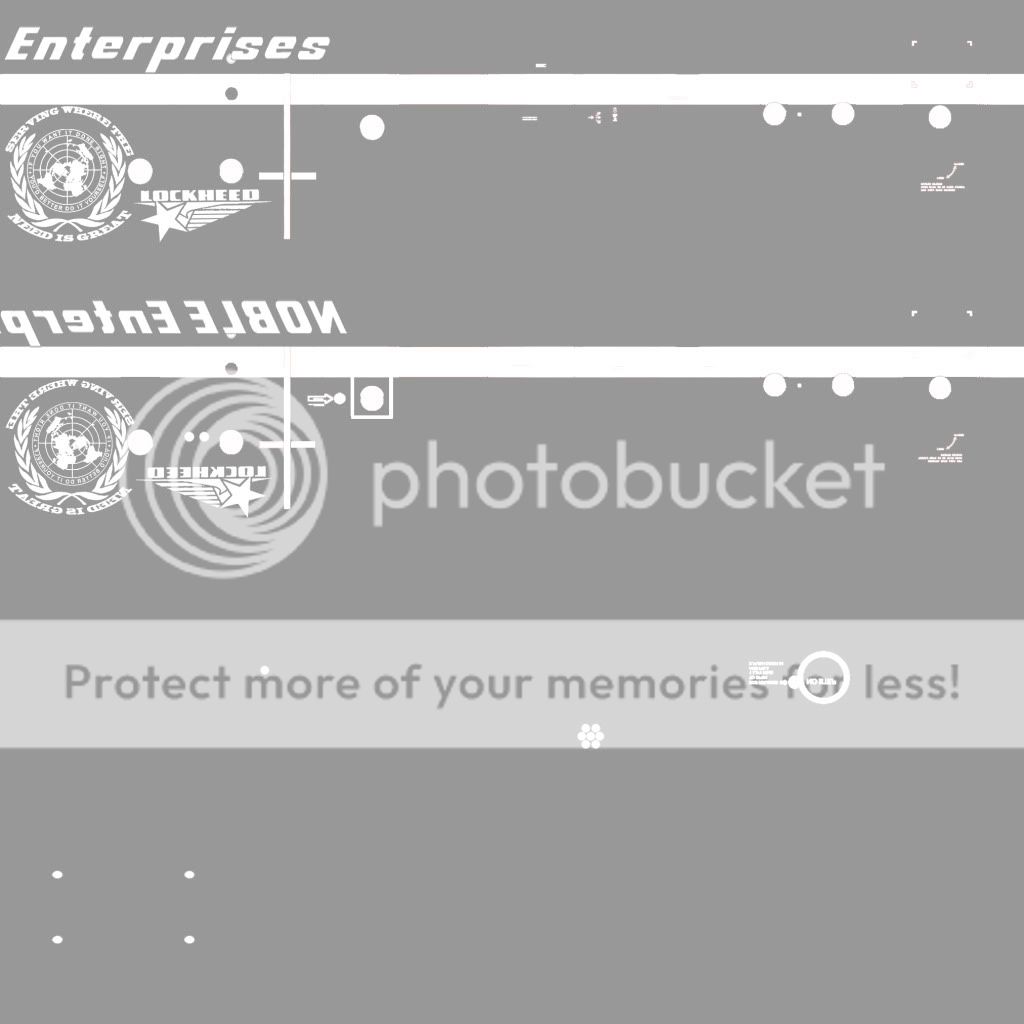

now you add the alpha to the paint file when rendering in to dds format

next if the aircraft uses spec you can add a little blue tint to the metal look but this time on none reflective parts i turned them gray and the tint area blue
C130_1_T_spec
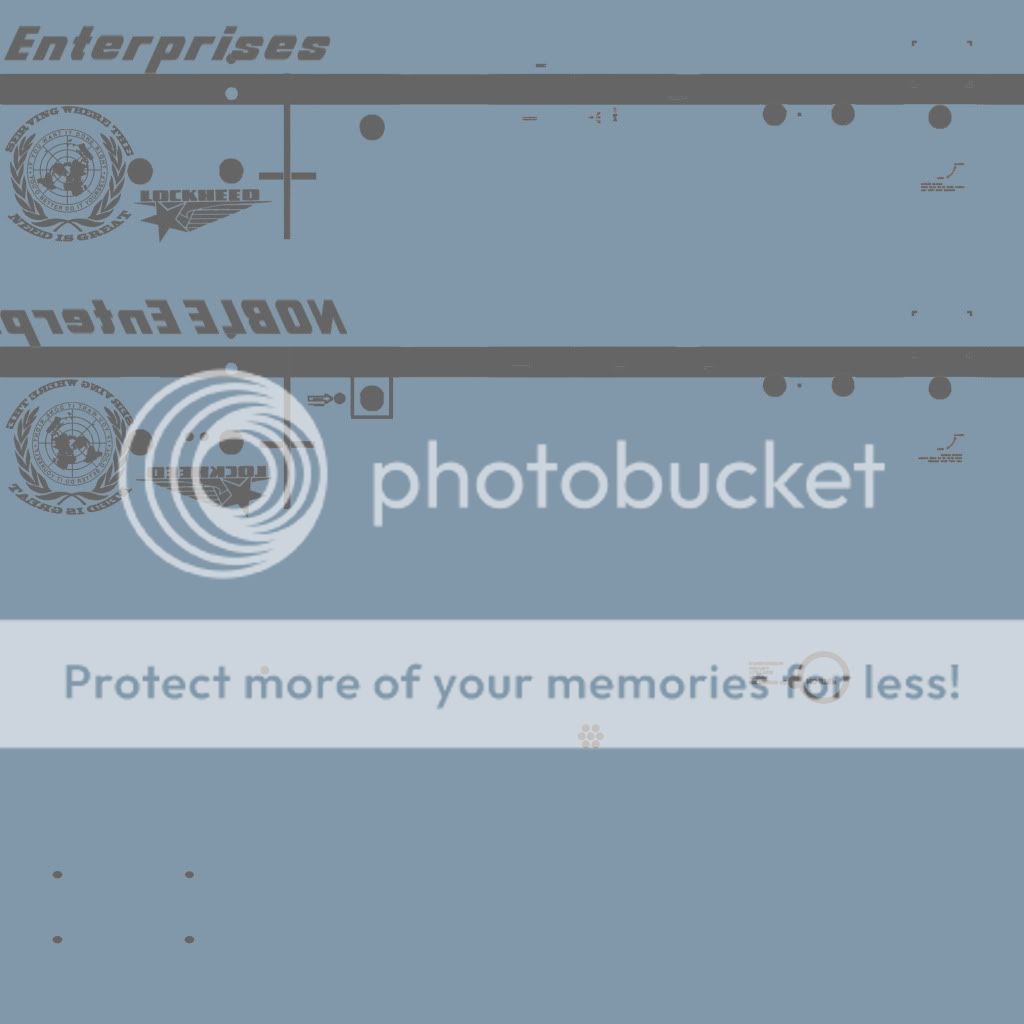

now the spec alph would look some thing like this to compleat the look this time you will see it is almost black in some places this color on the spec alph helps push the tint through
C130_1_T_spec_alpha
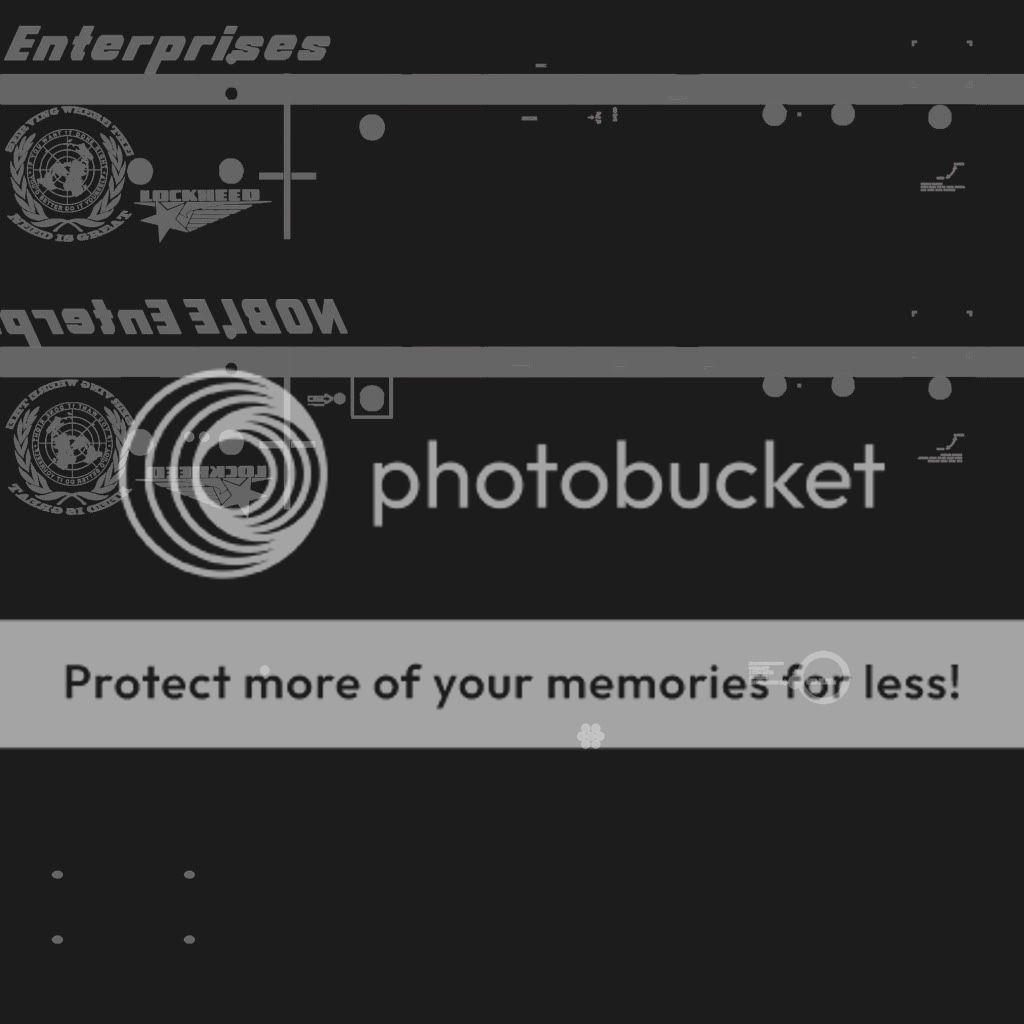
now add the spec alph to the spec the same way you would with alpha to paint
add the new spec dds to your paint and see how it looks

end resolt is on this page http://www.captainsim.org/yabb2/YaBB.pl?num=1296511438

any problems just ask

Title: Re: Alpha channel on paint kit?
Post by Michael2 on Feb 2nd, 2011 at 12:58am
Thanks, that's very helpful.

Title: Re: Alpha channel on paint kit?
Post by Markoz on Feb 2nd, 2011 at 6:56am
Hi Nathan.

That is fantastic information to know when doing repaints or (in my case) doing original textures for the aircraft I am making. "Attempting to make" would be a better description of my works-in-progress.

Mark

Title: Re: Alpha channel on paint kit?
Post by nath2889 on Feb 2nd, 2011 at 5:56pm
your both welcome
and mark i look forword to see what you come up with

Title: Re: Alpha channel on paint kit?
Post by 707captain on Feb 2nd, 2011 at 6:59pm
So is this a way to make the whole aircraft fuselage look shiny and glossy, also the painted, areas?

Title: Re: Alpha channel on paint kit?
Post by Michael2 on Feb 2nd, 2011 at 10:32pm
Yes it is.  The Captain Sim skins that come with the product I think are intended to look weathered and a bit dirty, so they're not very shiny.

Title: Re: Alpha channel on paint kit?
Post by David Sweetman on Feb 2nd, 2011 at 10:49pm
Watch out on the 707.  The Alpha also controls the transparency of the cabin windows too.

Title: Re: Alpha channel on paint kit?
Post by Michael2 on Feb 3rd, 2011 at 6:11pm
Thanks David.  I noticed last night that the 707 paint kit textures do indeed have an alpha channel which as you point out makes the windows reflective, so my initial post was a bit misleading.  However, it appears the 727 textures don't have the alpha.

CAPTAIN SIM FORUM » Powered by YaBB 2.6.0!
YaBB Forum Software © 2000-2025. All Rights Reserved.